How to deploy Angular app on Firebase?


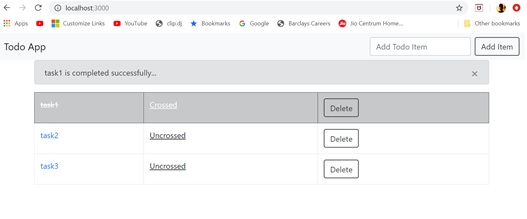
I have developed this simple Todo App in Angular which I am going to deploy on Firebase.


You can get the code of this app from my github repository.

First you need to have account on the firebase website so go to the https://console.firebase.google.com and create your account.

Now create your first firebase project and give it a unique name. In my case I have named it “angular7-todo-app”.


Now install firebase-tools on your machine via npm.

>npm install –g firebase-tools


Next you need to login to firebase from the console using following command.
>firebase login --interactive
This will open the firebase login in the browser for you to login.


Next you need to initialize firebase in the project folder using following command.
>firebase init

This will start a selection wizard in the console.
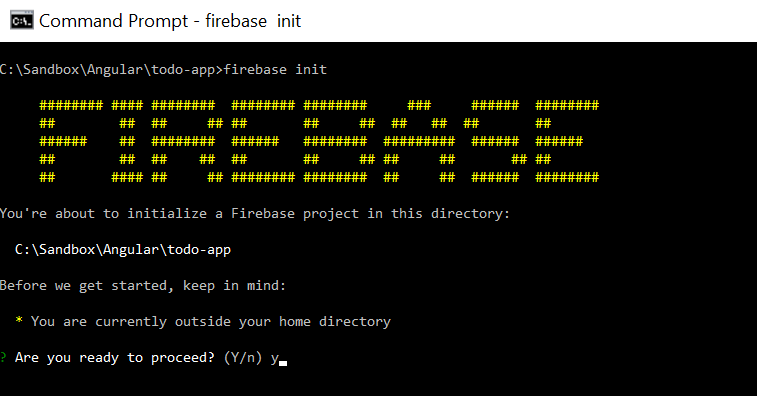


First -  select “Y” to proceed and then select Hosting option.


Second – now select existing project option.


And select the newly created firebase project.


Third – Select “No” to configure the app as single page app. We will configure it by updating firebase.json file.
  
Firebase initialization process will create following files in the project folder.
404.html
Index.html
.firebaserc
Firebase.json
Note – delete the both html files since we already have index.html in the project folder.


Now edit the firebase.json file and add following configuration.
    "public": "docs",
    "rewrites": [
      {
        "source": "**",
        "destination": "/index.html"
      }
    ],


Note – make sure the outputPath value in the angular.json should be “docs”.


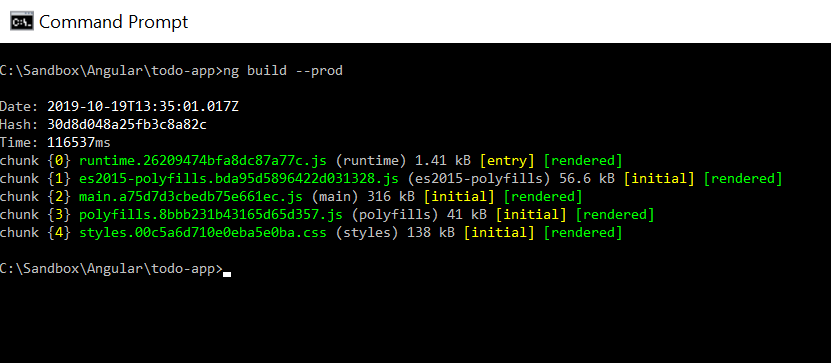
Now run following commad on the console window to generate distributable files in the docs folder.
ng build - -prod


Finally deploy the app using following command.
>firebase deploy


Now open the hosting URL https://angular7-todo-app.firebaseapp.com in the browser.


How to deploy Angular app on GitHub Pages?


I have developed this simple Todo App in Angular which I am going to deploy on GitHub Pages.


First you need to put your local code into the github.com so if you don’t have github account you need to create it first.
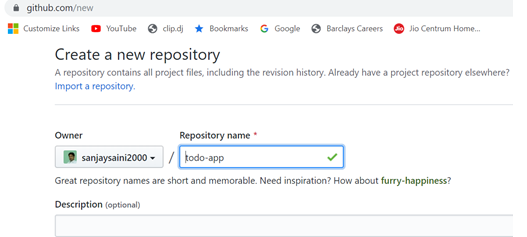
Now create github repository in which you will upload your local code.


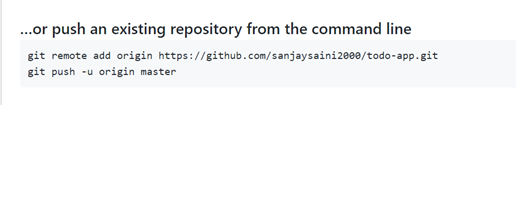
Assuming you have git installed on your machine and you have already committed your code in the local master branch.


Open the git bash on the app folder and run above commands to upload your code on github.


Now refresh your github repository and check your code is pushed into github.


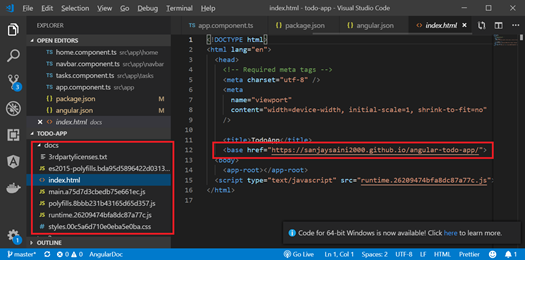
Now we need to build our code in production mode in order to create distributable files that will be deployed on github pages. By default this deployable code generated in the /dist/prodect-name        folder but we need to generate this in the “docs” folder under the app folder.

So we need to make a small change in the angular.json file and change the outputpath value to            “docs/” as shown below and save the changes.


Another point to be noted is the URL of your going to be hosted app on the github pages.
This default site name on the github pages would be https://username.github.io/respositoryname
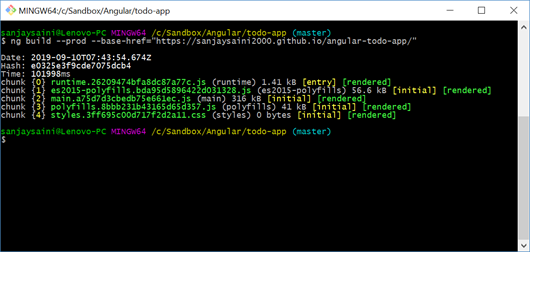
Now run following comman on the git bash window to generate distributable files in the docs folder.
ng build - -prod - -base-href=” https://username.github.io/respository-name/
Note – replace the username and repository-name with your github username and repository.


Go to your app folder and check docs folder is created that contains all the distributable files.


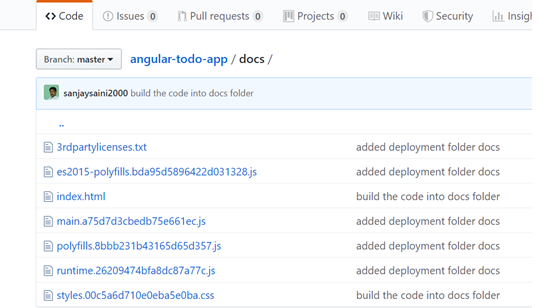
Now commit this folder into local repository and also push it into the github.


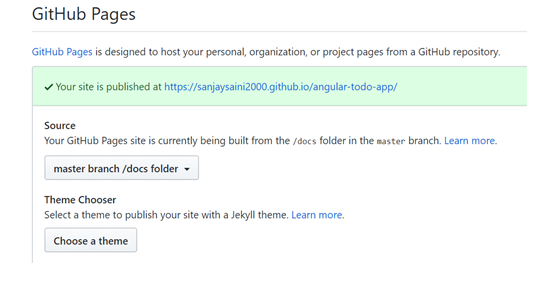
Once docs folder is pushed into you github repository you need to open the repository settings and go to the Github Pages section and select “master branch/docs folder” from Source dropdown.


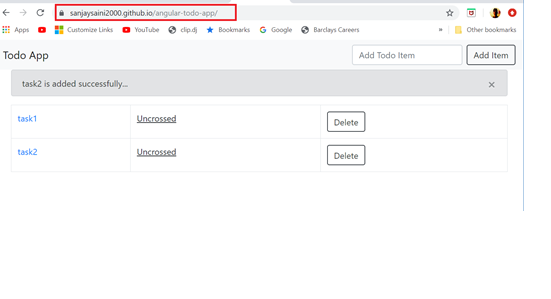
Now open the github page url of your deployed app in the browser window to check successful deployment of your app on the github pages.


There is  another method to deploy you Angular app only on github pages using angular-cli-ghpages package that you can google for more details but personally I find this approach better and clear than using that packages.